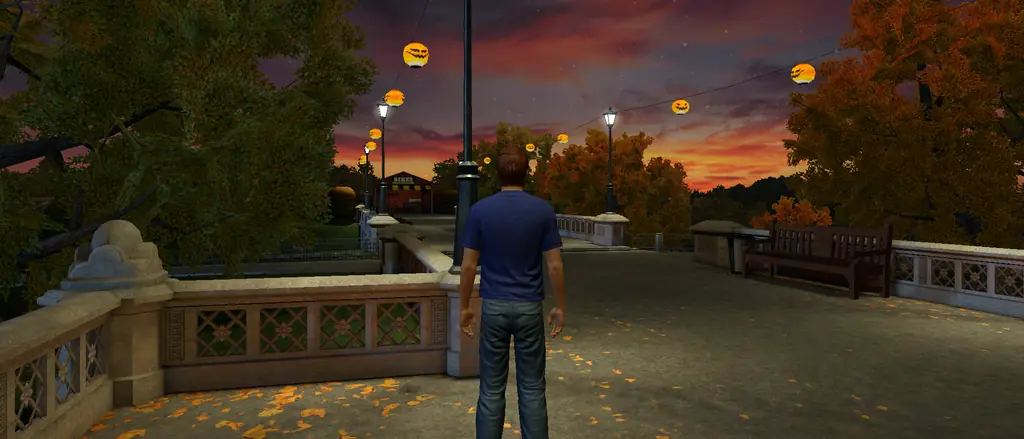

Welcome back to PlayStation Home.
The plazas, the apartments, the people. Step back into Home right in your web browser, on your computer, tablet or phone. Nothing to install.
Home’s spaces as our browser client draws them.
Players online on HHQ right now and the spaces they're in, with each space's own Navigator picture.


Busiest on HHQ
- Checking who's around…
Busiest on Home Laboratory




The places you remember, back on screen.
Public spaces, game spaces and apartments, converted from Home's own files and drawn with Home's materials, water, sky and lighting. Each card is the space's own Navigator picture.
-
The plaza where most of Home began, dressed for Halloween.
-
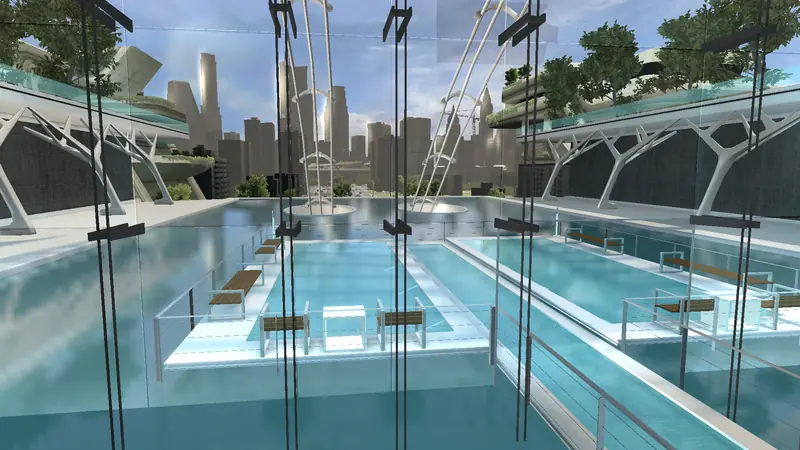
Glass walkways, pools and a city skyline.
-

Dusk over the park, its bridge and the jack-o’-lanterns.
-
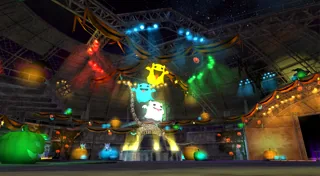
Stage lights, lanterns and pumpkins.
-
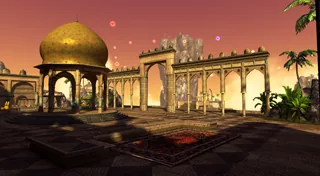
Arches, a golden dome and a sunset sky.
-
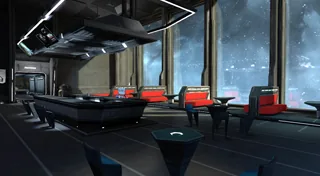
A dark lounge with a planet filling the window.
-
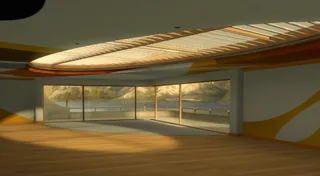
The classic apartment: a balcony over the marina.
-
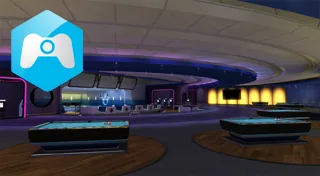
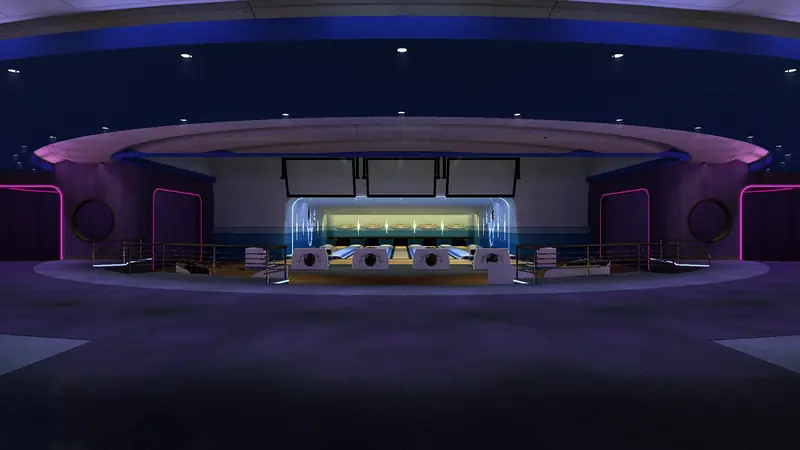
Home Square’s game space: neon, lanes and screens.
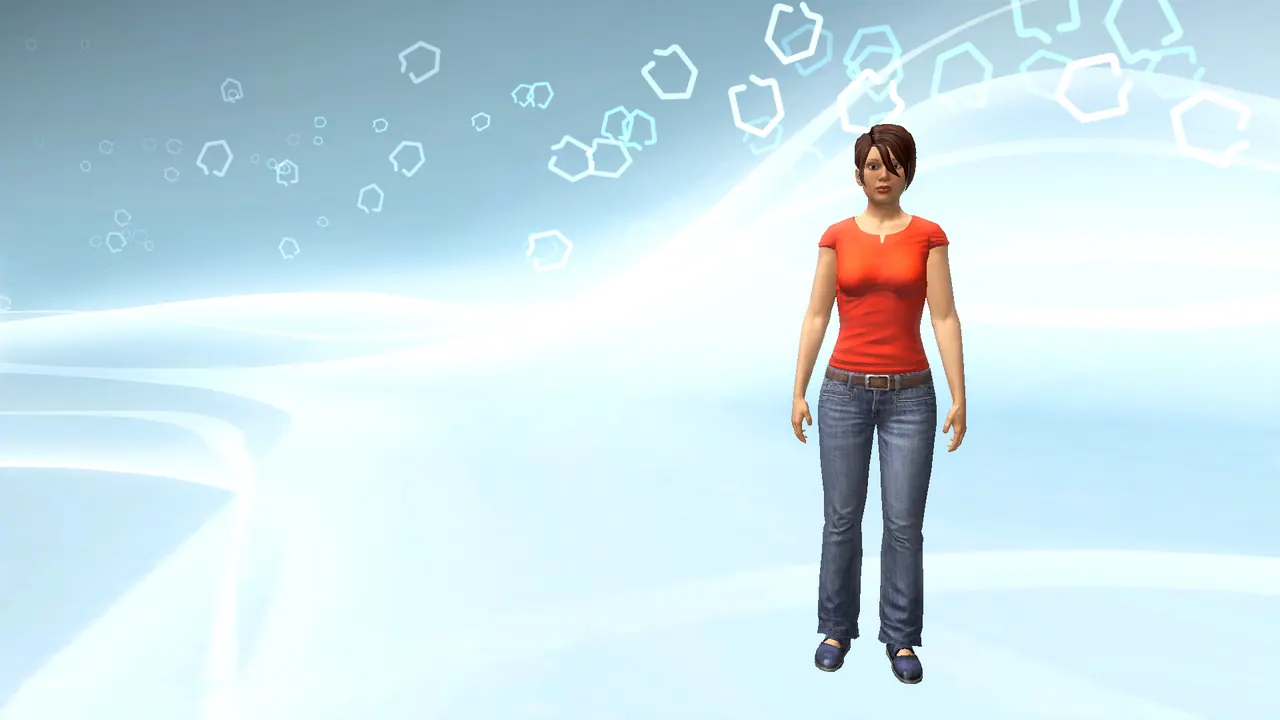
Your avatar, your wardrobe, your moves.
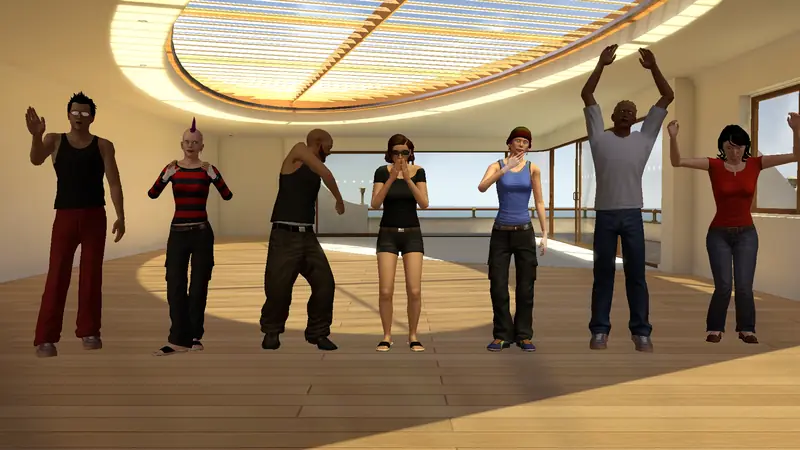
Home's own avatars: its body and face settings, clothing, hair and accessories, its animations and emotes. Dress up in Home's wardrobe, then wave, cheer and dance with everyone in the space.
The spaces still play.
Home's spaces ran their games and events as Lua scripts. Our client runs those same scripts in the browser, with Home's own scripting interface, so the space behaves the way its makers built it.
- 11 scripts run in Acorn Meadows Park at Halloween: its mini-games, rewards, screens and park events.
- Game spaces like the Bowling Alley are back to visit.
- Same scripts everywhere: nothing is rewritten for the browser.
Open your browser. That's Home.
Home's own spaces, avatars, animations and lighting, read straight from the game's files and kept up to date. You join HHQ and meet everyone there: see each other, chat and hang out in the same spaces.
-
Nothing to install. Open it and play on a computer, laptop, tablet or phone.
- Works on any modern browser, desktop and mobile
- Touch controls on phones and tablets
- Your PsHomeCentral account
-
The same game as the browser version, as a single portable file for players who prefer an app. No installer.
- Full controller support
- Your PsHomeCentral account
-
Already have an RPCN account? Link it after signing in and play with your RPCN profile.
- Optional: play without it just as well
- Link it on your account page
One free account. That's all you need.
Create a PsHomeCentral account and you're in, in the browser or the Windows app. Already use RPCN? You can link it on your account page later. Everyone meets in the same spaces, chats, and visits each other's apartments.
✕ Create your account Your account
Classic online IDs
3–16 characters, letters, numbers, - and _, starting with a letter. The same rules PSN had.
Kept safe
Bot checks on sign-up, hashed passwords, rate limits, and a short lock after repeated failed sign-ins.
Home Headquarters, live.
PsHomeCentral connects to HHQ, the community server that keeps PlayStation Home running. Spaces, events and content come straight from it.
Supported now
Home's look, tuned to your device.
The client draws Home's own frame: its shaders, shadows and glow. On first launch it measures your device and picks the best graphics mode that keeps the frame rate smooth. Change it any time in Options.
What was PlayStation Home?
PlayStation Home was Sony's free 3D social world for the PlayStation 3. From its open beta in December 2008 until it closed on March 31, 2015, players built avatars, decorated their own apartments, played mini-games and met friends in public spaces like Home Square, the Hub and countless game-themed lounges.
When the official servers went dark, the community kept Home alive. Today the HHQ (Home Headquarters) server runs it again, and PsHomeCentral brings it to your web browser: on a computer, tablet or phone, in the same shared spaces as everyone else on HHQ.
Questions
Is PsHomeCentral official?
No. PsHomeCentral is a fan preservation project. It is not made, endorsed or supported by Sony Interactive Entertainment.
Can I still play PlayStation Home?
Yes. Play it right in your web browser on a computer, tablet or phone, with nothing to install. You join the HHQ community server and meet everyone playing there.
Do I need a console or a gaming PC?
No. Any device with a modern web browser works, including phones and tablets.
What is the Windows version for?
It is optional: the same game as in the browser, as one portable file for players who prefer an app and want full controller support.
Does it cost anything?
No. It's free.
Can I play with my friends?
Yes. Everyone on HHQ shares the same spaces: you see each other, chat and visit each other’s apartments.
Can I use my RPCN account?
Yes, if you want to. After signing in, link your RPCN account on your account page and choose RPCN when you press Play. A PsHomeCentral account is all you need otherwise.
Which server does it use?
HHQ (Home Headquarters) today. Other Home servers may be supported later.